Vendeur: UGREEN US
UGREEN 5 Bay USB C RAID Hard Drive Enclosure 100TB
Détails du produit
RAID Modes Configurations
Instrucrions before configuring
It is recommended that you use new hard drives of the same capacity.
When switching RAID mode,the enclosure system will format the drive, earsing all existing data.Ensure any important data is backed up prior to switching.
The default mode of the device is PM mode.
Configurations
1.Select the RAID mode you prefer based on the "RAID Modes & DIP Switch" table, then switch "1" and "2" to the corresponding positions for selected mode.
2.Turn on the power button, and use the pin to insert and hold the "REST" hole for about 5s until the white hard drive indicator flashes, indicating that the mode switching is successful.
3.Go to "Computer Management" > "Device Manager" to check the current RAID mode.
Vous aimerez aussi
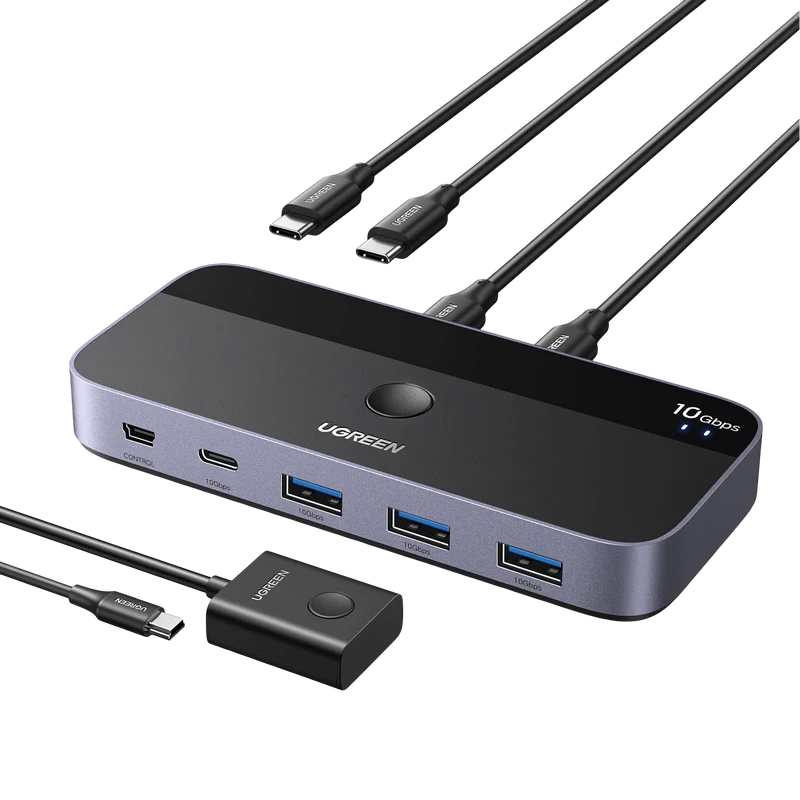 PromotionUGREEN Switch USB C 3.2 10Gbps 4 Ports USB SwitchUGREEN
50,99 €26,90 €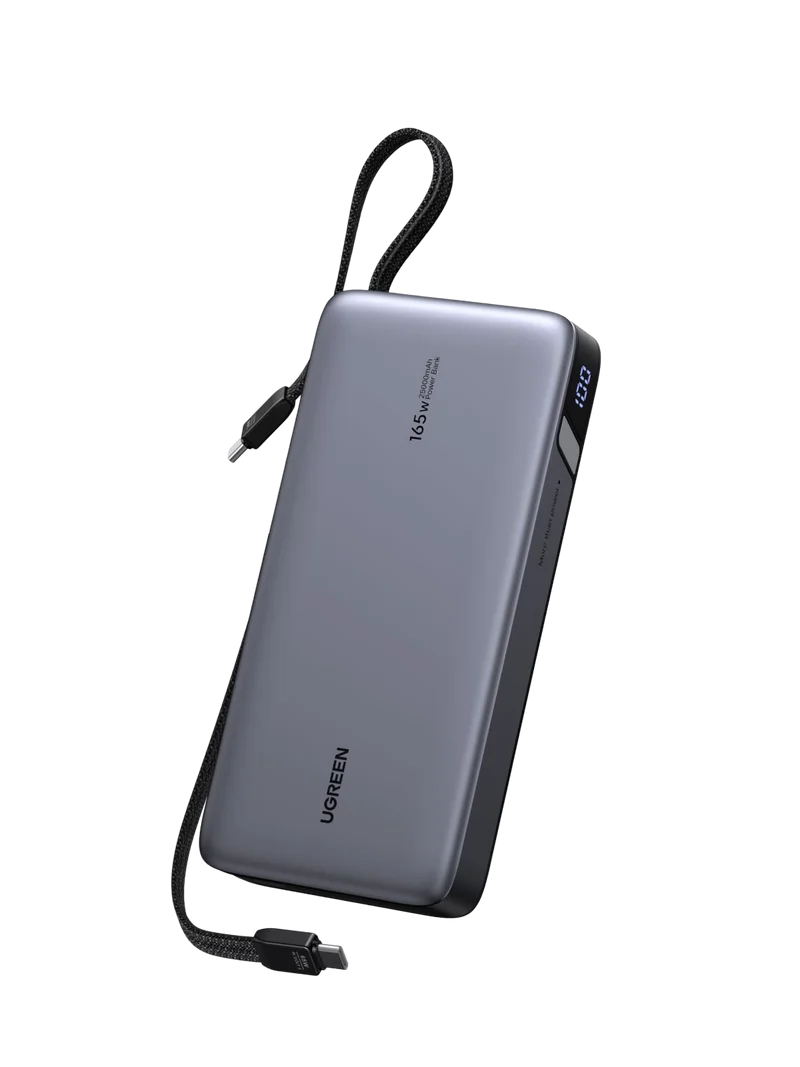 PromotionUGREEN Nexode 165W Batterie Externe 25000mAh 2 Câble USB C Intégré 140W Power Bank Portable Charge Rapide 2 Port PD 3.1 Écran LED Compatible avec iPhone 17 16 15 14 13 12 Galaxy S25 S24 S23 MacBookUGREEN FR
72,99 €39,30 €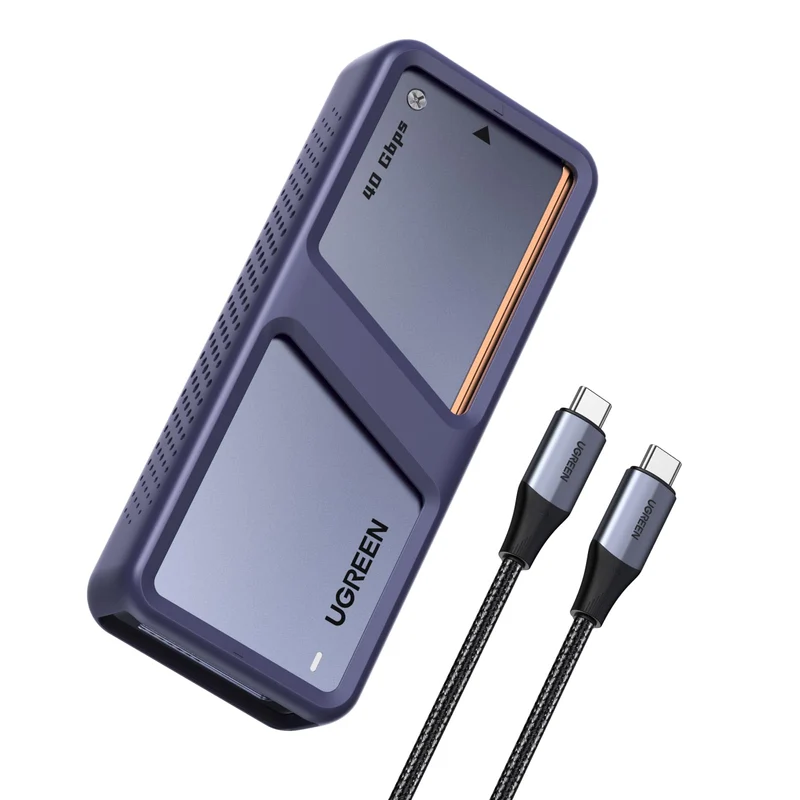 PromotionUGREEN Boîtier SSD M2 40Gbps avec Puce JHL7440 Boîtier NVMe Compatible avec USB 4 et Thunderbolt 4/3 Adaptateur Disque Dur Externe pour M.2 2280 Compatible avec iPhone 17 Pro Max Air MacBook PC PS5UGREEN FR
104,99 €56,43 €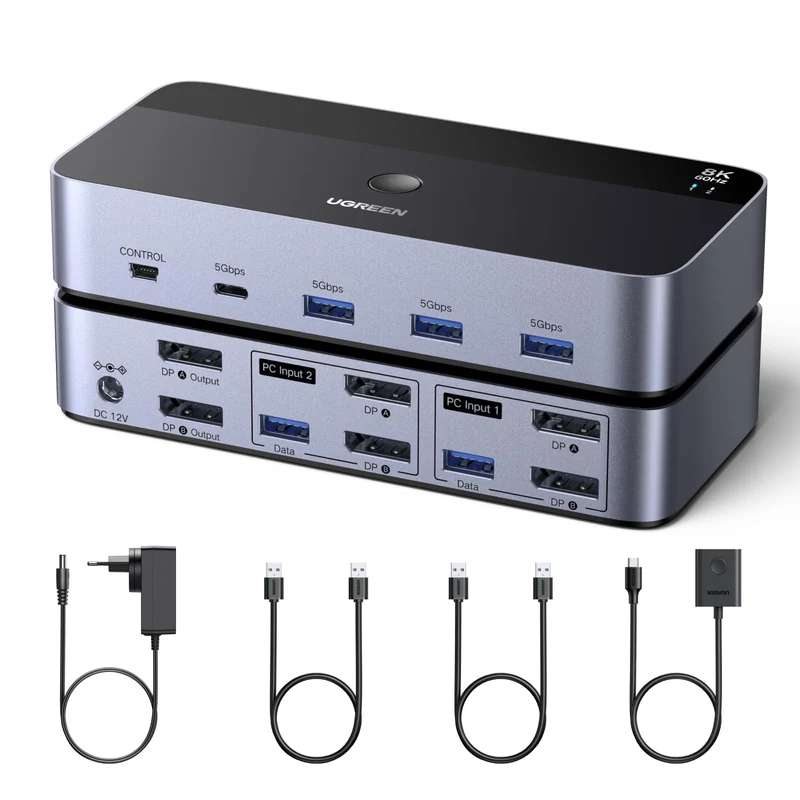 PromotionUGREEN Switch KVM DisplayPort 2 Entrées 2 Sorties 8K 60Hz 4K 240Hz Double Affichage Commutateur KVM avec 4 Ports USB 3A1C 5Gbps pour Clavier Souris Disque Dur Contrôleur de Bureau Câbles USB InclusUGREEN FR
58,49 €35,38 €